
Work Schedules and Shifts Overview
The Work Calendar / Shifts section in the left menu is where you define when your staff are expected to work. Berqun calculates the BQ score from these definitions: workdays, expected productive hours, public holidays and leave all feed into the calculation from here.
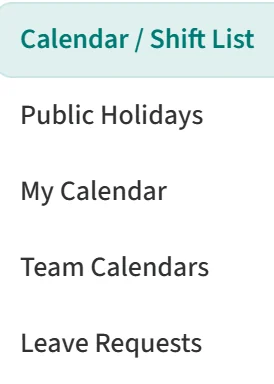
The section has five pages:
- Calendar / Shift List: create and edit work schedules (shifts) and assign them to people or teams.
- Public Holidays: keep public holiday lists by country. You then link these lists to work schedules.
- My Calendar: see your own monthly calendar.
- Team Calendars: see the monthly calendar of the people you manage in one table, and enter leave and workday changes.
- Leave Requests: confirm or decline leave requests that are waiting for approval.
Which pages you see depends on the permissions of your role.