
Updating an Employee Profile
You can change an employee’s name, email address and employee ID from the staff list without opening another page.
-
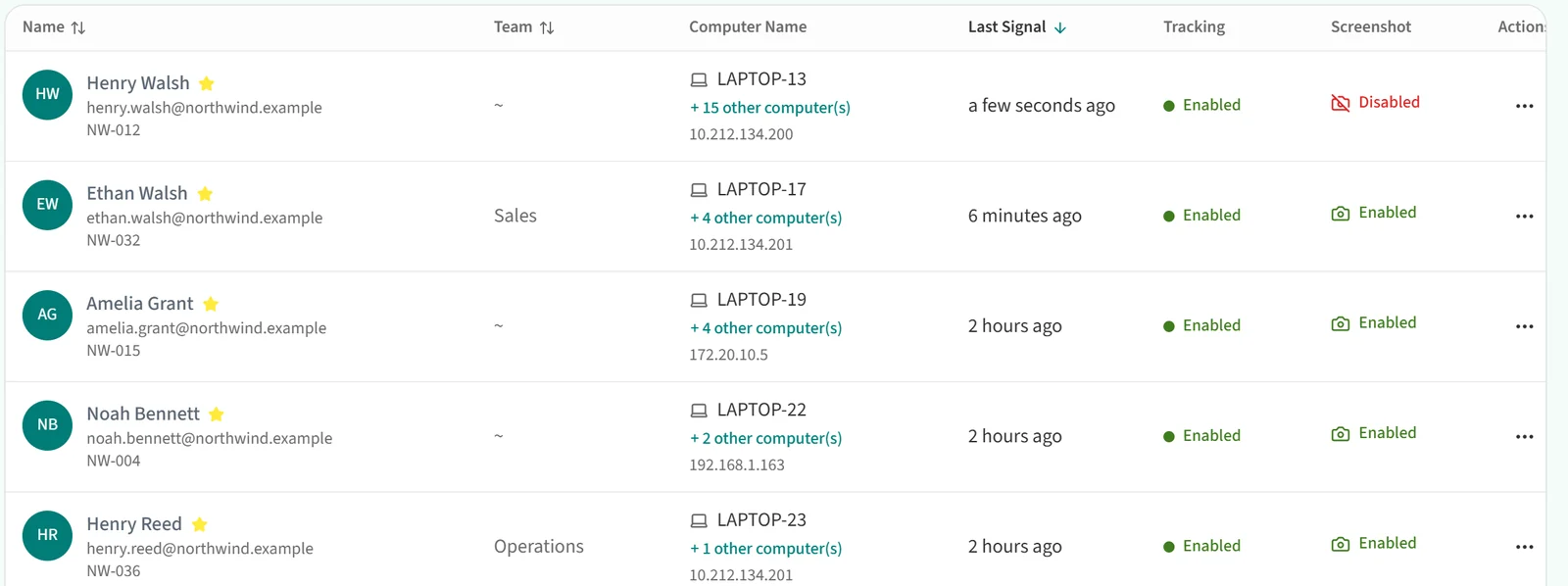
In “People / Authorization”, open the Staff page.
-
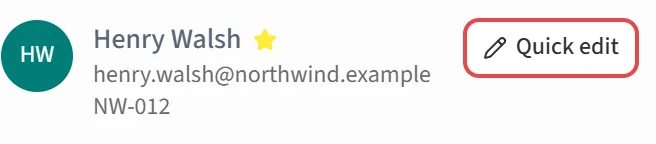
Hover over the name of the employee you want to edit. A “Quick edit” button appears to the right of the name. Click it.
-
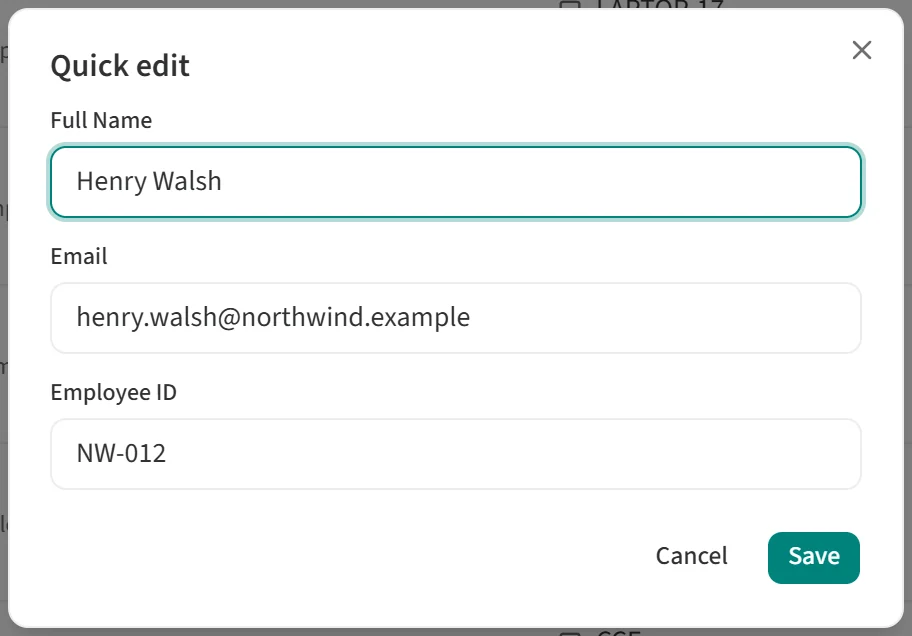
In the “Quick edit” window, update “Full Name”, “Email” and “Employee ID”, then click “Save”.
To assign a role, change a password or change tracking settings, see Employee List Actions.