
Making an Unproductive Activity Productive
Making a distracting activity productive creates a new productivity rule for that activity. You choose who the rule applies to and for which dates.
- Open Productivity > Manage Activities from the left menu.
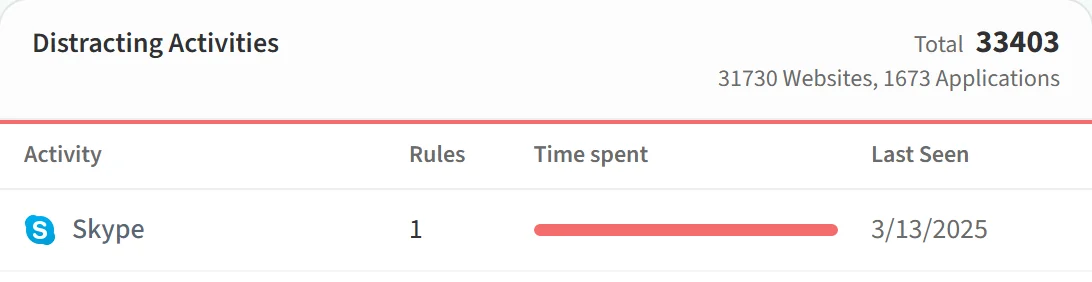
- In the Distracting Activities list, click the activity you want to change.
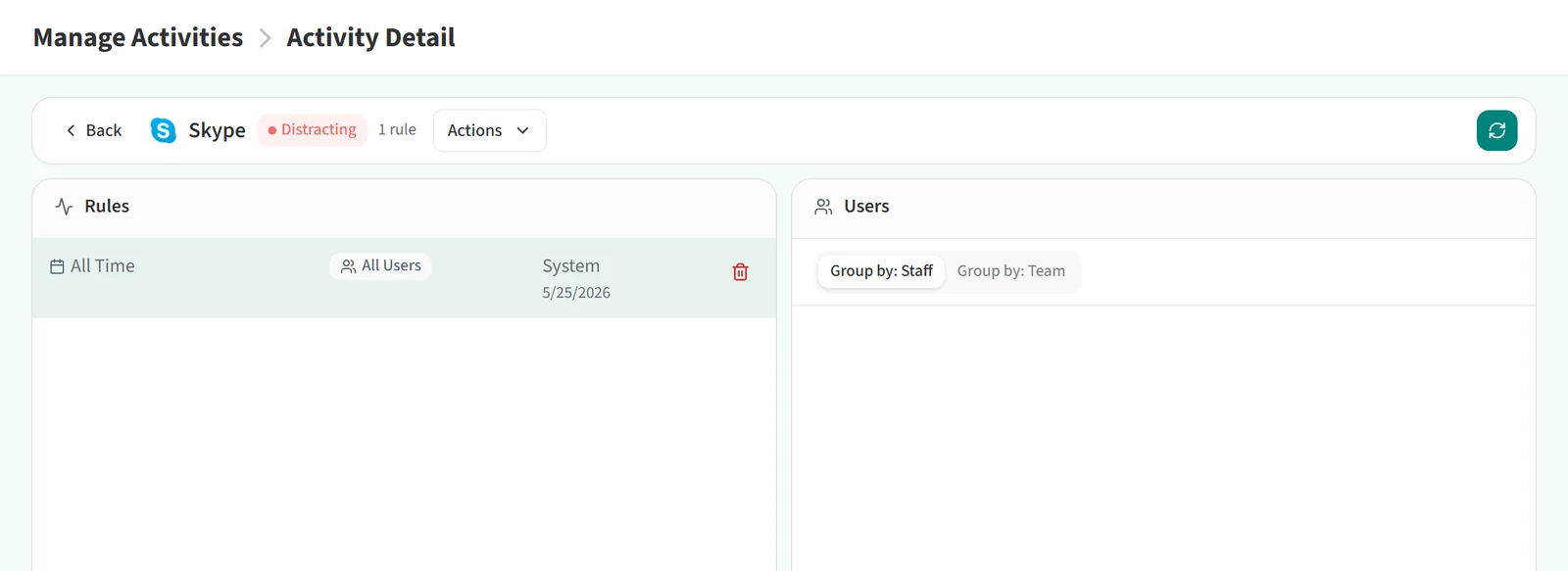
- On the Activity Detail page, open the Actions menu and click Mark As Productive.
- In the window that opens, set up the rule:
- Apply to: All users or Select users and teams. With the second option, add people through the team and staff search.
- Effective Period: For this date, For this date range, As of this date or All the time. Enter the date where the option needs one.
- Your reason: pick a reason from the list. A note is optional, except when the reason is “Other”, where a description is required.
- Click Save.
The change takes effect within a few minutes. From then on, time the selected people spend on this activity in the chosen period counts as productive.
Which options you see depends on your role. All users is available to administrators; picking users and teams is available to administrators and team leads.