
Productive and Distractive Activities
The activity list on the right of the Office Dashboard ranks the applications and websites used by the selected team in the selected period, from the longest duration to the shortest. It is not limited to the top five; you can page through every activity used in the period.
The tabs above the list choose which activities it shows:
- All: every activity. Each row has a tag saying whether it is Productive, Neutral or Distractive.
- Productive: productive activities only.
- Distractive: distractive activities only.
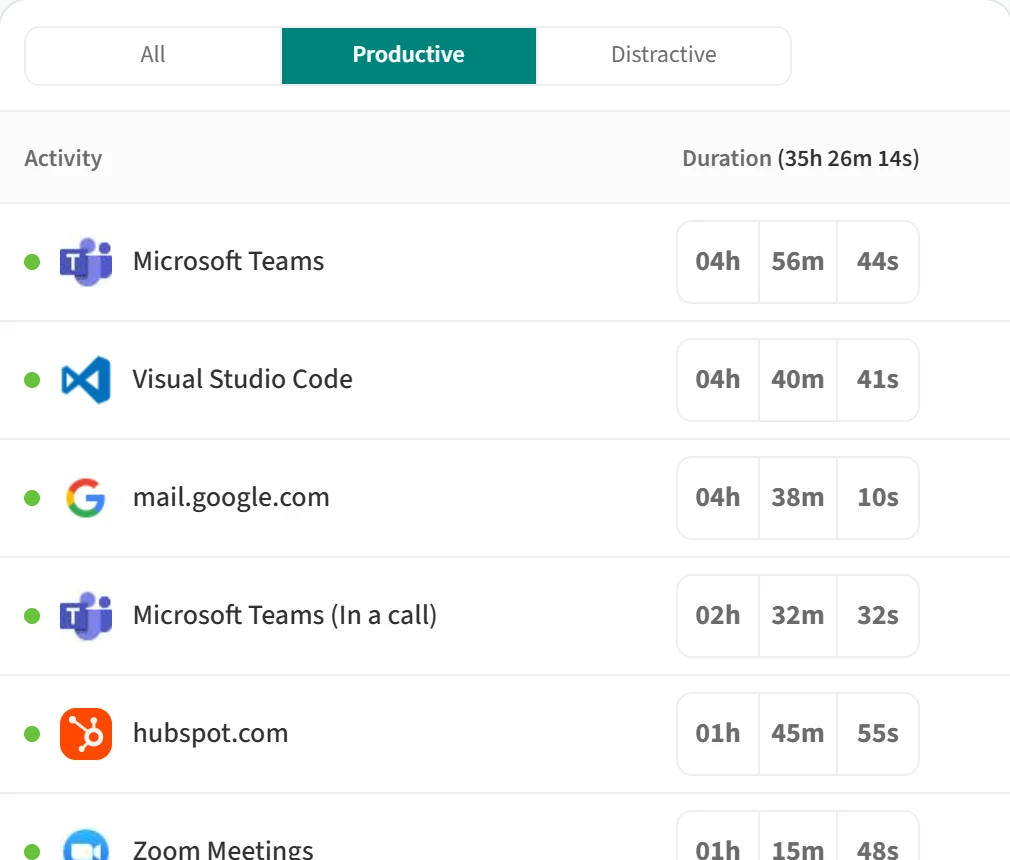
The Duration column shows each activity’s total time in hours, minutes and seconds. The value in brackets in the heading is the total time of all activities on the selected tab.
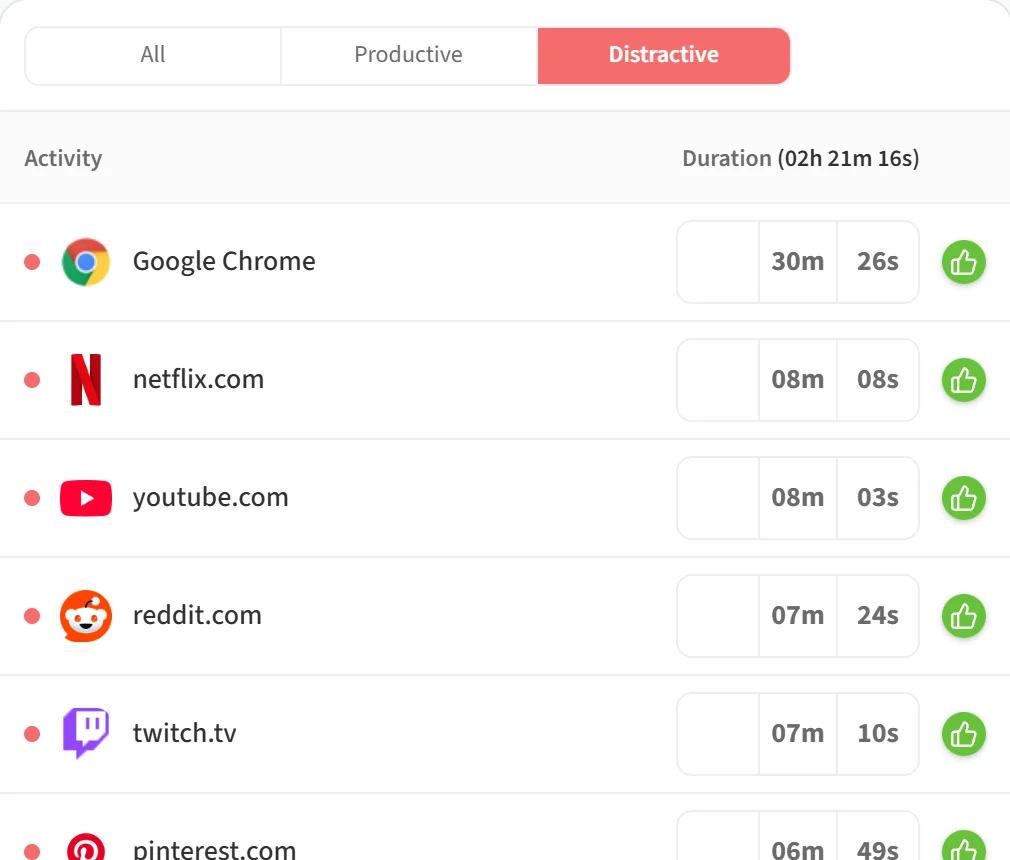
If you are allowed to change productivity settings, distractive activities have a green thumbs-up button next to them. Click it to open a window for marking the activity as productive.
The activity list always covers every employee in the selected team and period. The employee search and the other filters in Advanced Options do not change it. Use Page size under the list to choose how many activities appear on one page.