Changing an Employee's Login Password
Employees log in to Berqun with their email address and password. To change an employee’s password:
- On the Staff page, open the ”…” menu on the employee’s row and click “Change Password”.
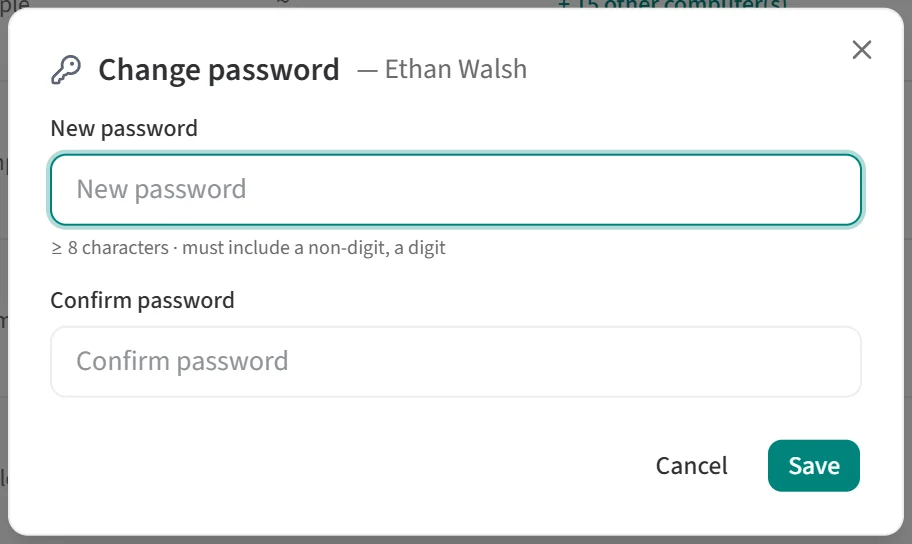
- In the “Change password” window, type the new password into “New password”. The rules the password must meet are shown below the field.
- Type the same password into “Confirm password” and click “Save”.