
Listing Work Schedules
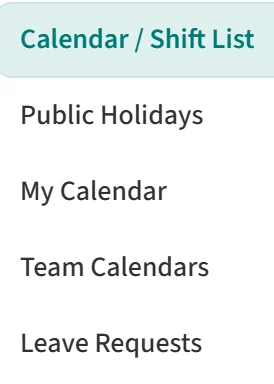
To see your work schedules, open Calendar / Shift List under Work Calendar / Shifts in the left menu.
Each work schedule in the list has these columns:
- Name: the name of the work schedule.
- Working Hours: the schedule’s total weekly working hours.
- Modified By: who last changed the schedule, and when.
- Default: the default schedule carries a Default badge here. Anyone who is not assigned to another schedule uses it.
- Actions: the … menu on the row holds Edit and Remove.
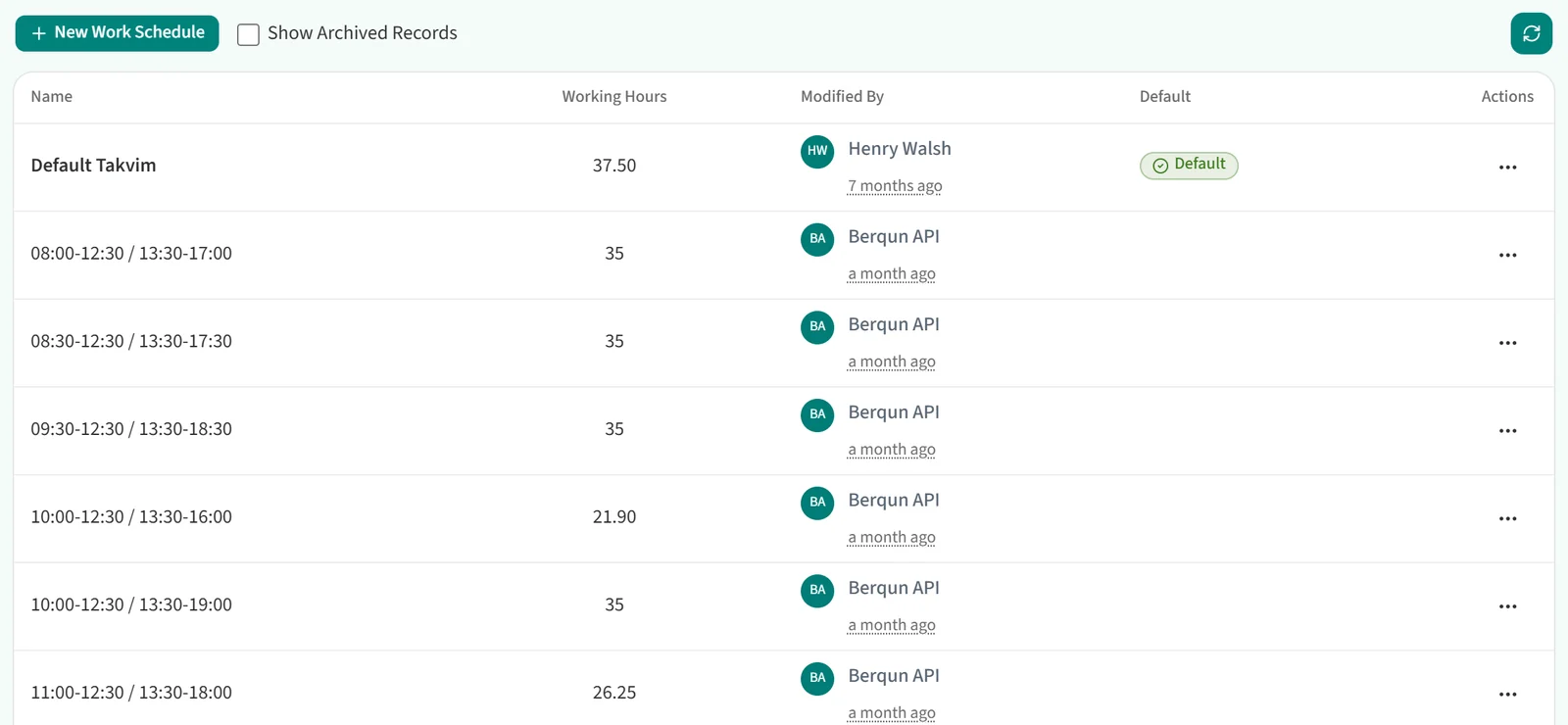
By default the list shows only active schedules. To include archived ones, tick Show Archived Records above the list. Archived rows have no … menu.

The refresh button at the top right reloads the list.