
How to Get the Activity Timeline?
The Activity Timeline shows which sites your staff visited and at what times on a given day, along with window titles and whether each application is productive or unproductive. It also shows whether the use was inside or outside working hours.

Getting the report
- Open Reports > Activity Timeline in the left menu.
- Pick the day under Report Period. This report is Daily only; the arrows move to the previous or next day.
- Click Export Excel in the Report Summary card.
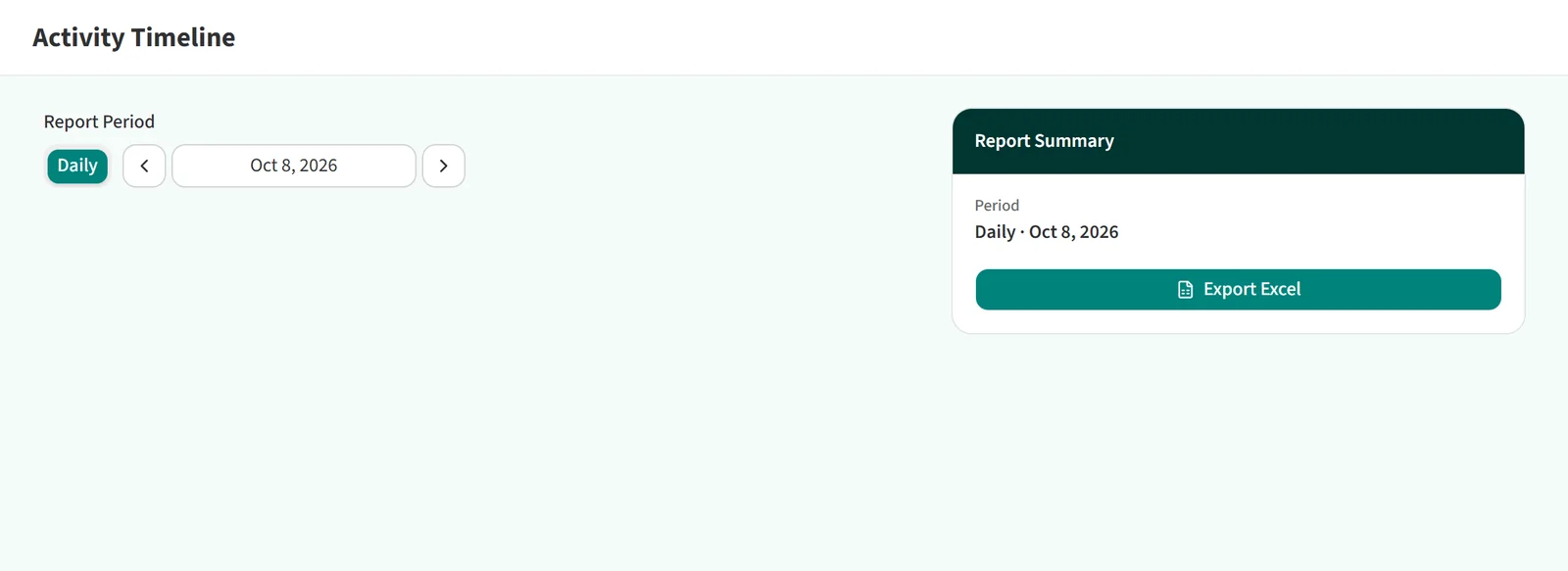
There is no team or staff selection in this report, and it cannot be scheduled. The Activity Timeline is not enabled on every account; if you do not see it in the menu, it is not in use on yours.
You may also be interested in: How to Get the Staffs & Computers Report?