
Employee List Search Options
The controls above the employee list help you narrow it down to the person you are looking for.
Searching by name
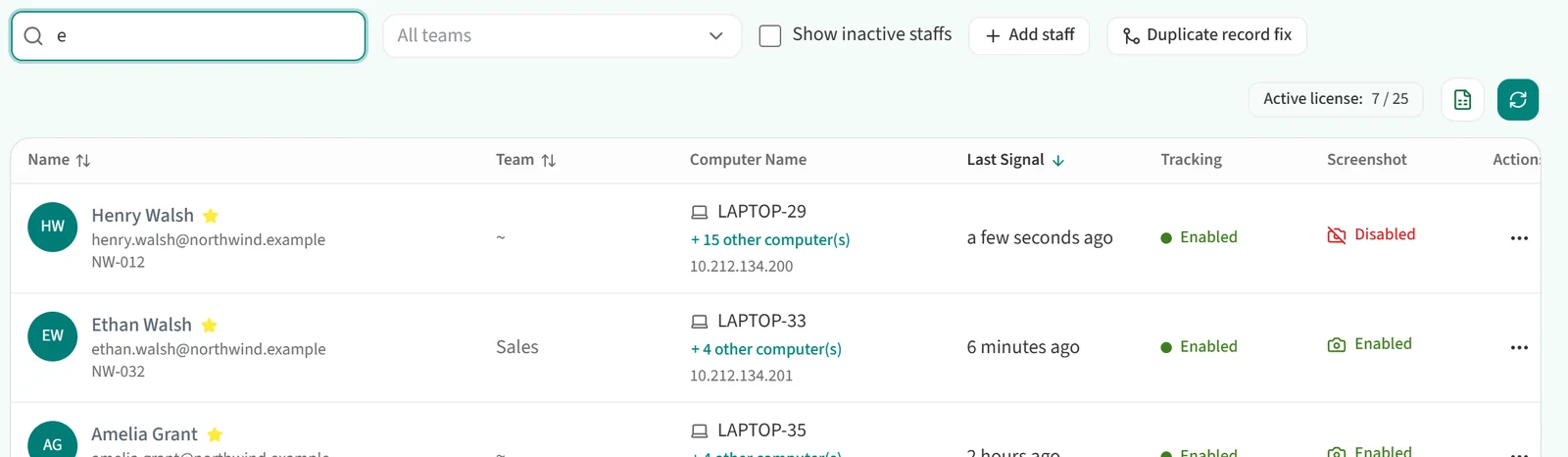
Type a few letters of the person’s first or last name into the “Search staff” box. The list shrinks to the staff whose names contain those letters.
Listing the staff in a team
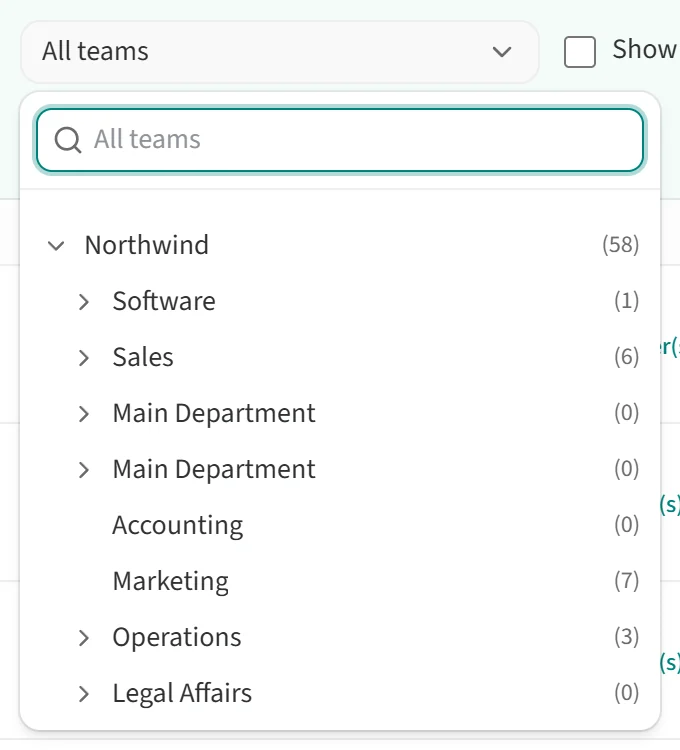
Pick a team from the “All teams” dropdown and the list shows only that team’s staff. The dropdown shows teams as a tree, each with its head count. Click the arrow next to a team to see its sub-teams, or use the search box at the top to find a team by name.
Showing inactive staff
By default the list shows active staff only. To include employees who have left or been deactivated, tick “Show inactive staffs”.

If the same person appears more than once in the list, see Merging Duplicated Employee Records.