
How to Get the Staffs & Computers Report?
The Staffs & Computers report lists the computers your staff use Berqun on, with each computer’s name, the username, the IP address and the date of the last signal sent to Berqun.
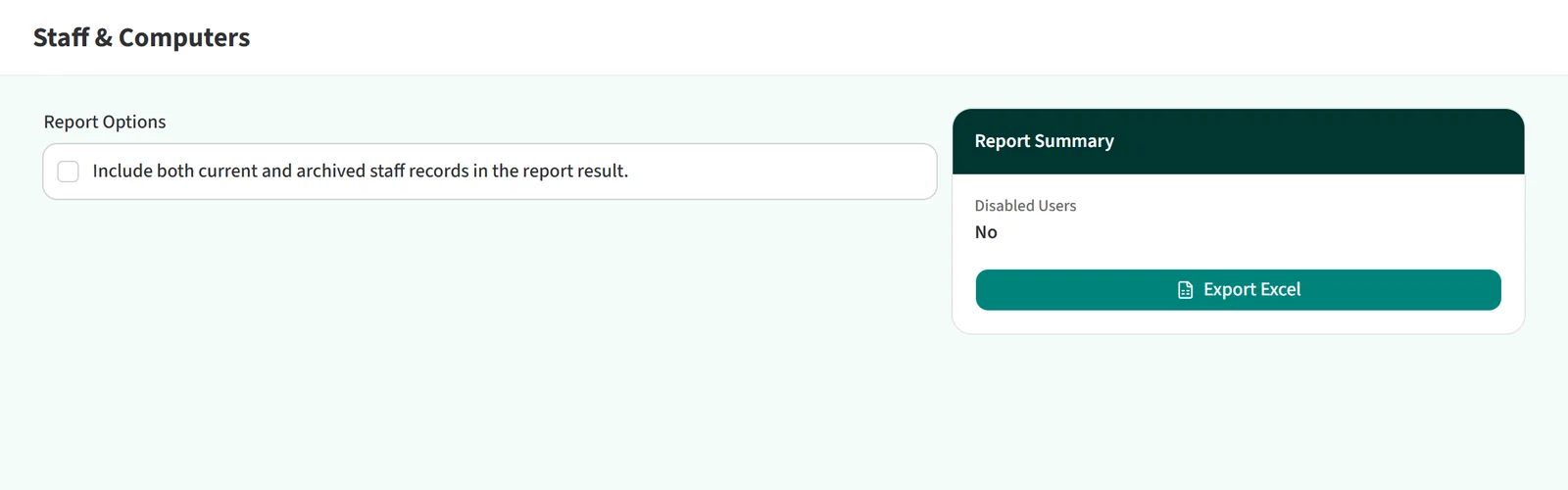
Getting the report
- Open Reports > Staffs & Computers in the left menu.
- To include staff who are no longer tracked, tick Include both current and archived staff records in the report result.
- Click Export Excel.
The report shows the current state, so there is no period to choose and it cannot be scheduled.

You may also be interested in: Where Can I See Scheduled Reports?