How to Configure Visibility Settings
These settings control how the Berqun agent runs on your staff’s computers. To open them, go to Settings in the left menu and open Visibility Settings under Agent Settings.
The Agent Mode section has two options. After choosing one, click Save changes at the bottom of the page.
Stealth Mode
In this mode the agent runs in the background. Staff do not see the Berqun icon in the system tray while their activity is tracked.
To use it, click the Stealth Mode card.

Visible Mode
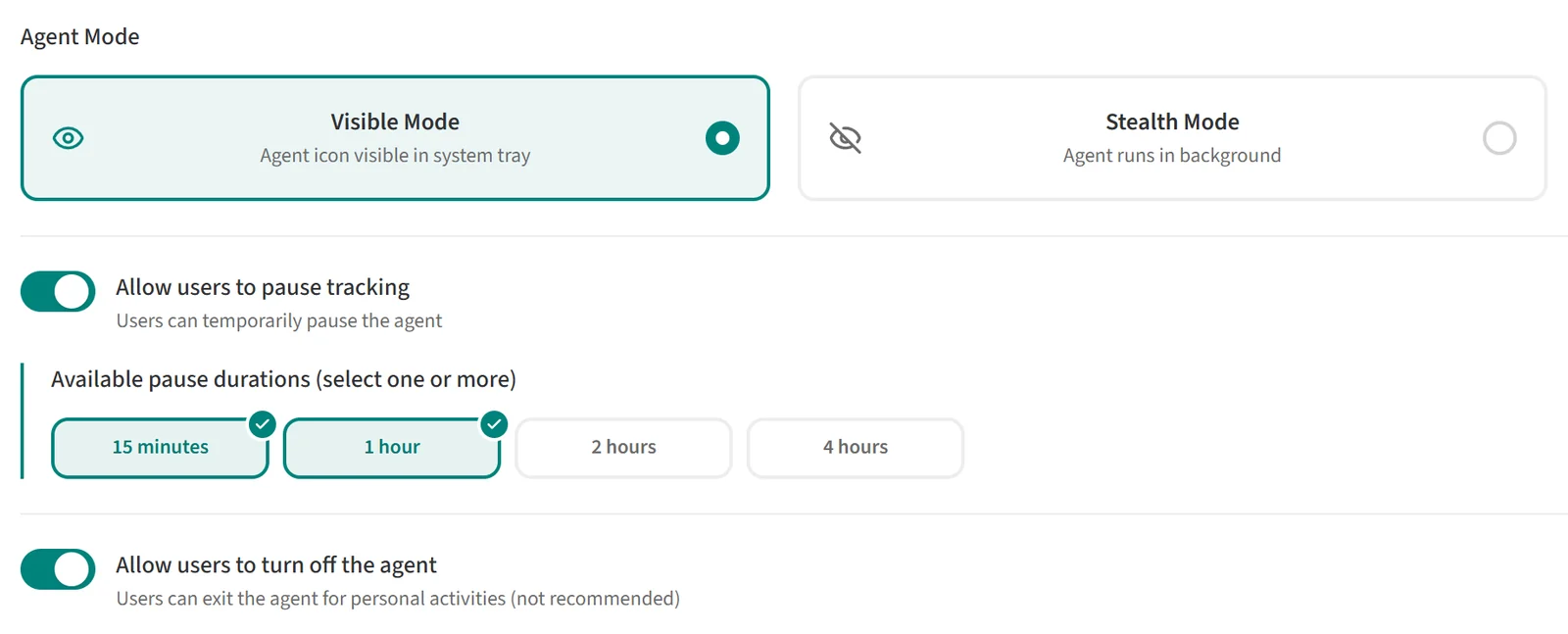
In this mode the agent icon appears in the system tray, so staff can see that Berqun is running while their activity is tracked.
To use it, click the Visible Mode card. Two more settings then appear below it. They are not available in Stealth Mode.
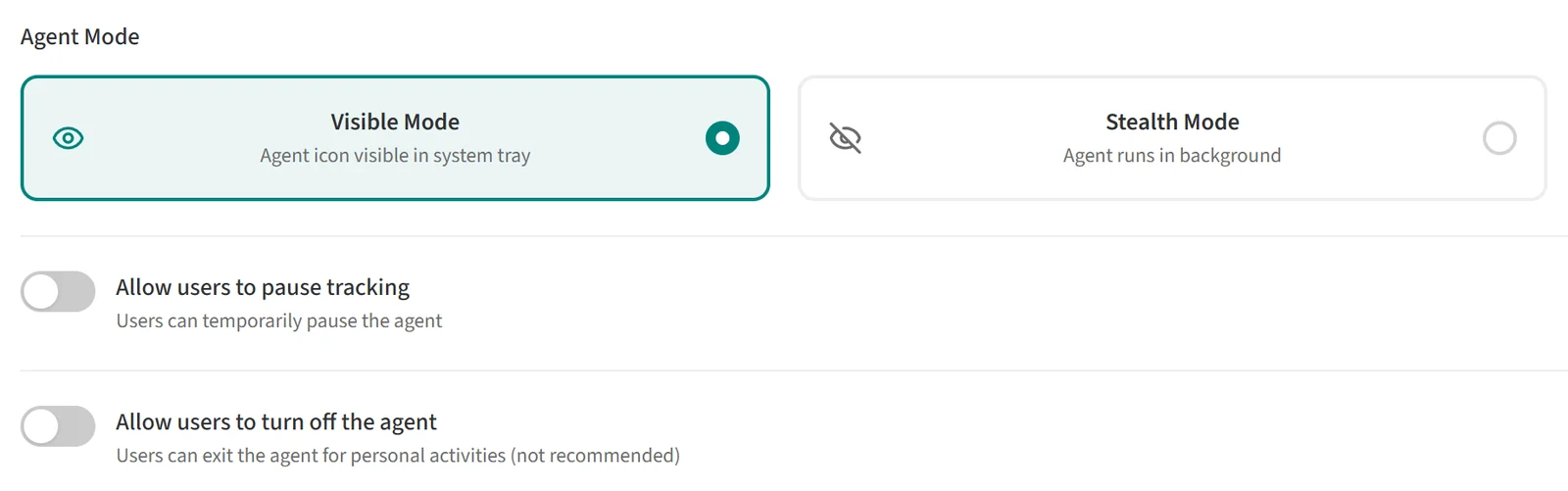
Allow users to pause tracking
When this switch is on, staff can pause the agent for a while, for example during a break or a personal task.
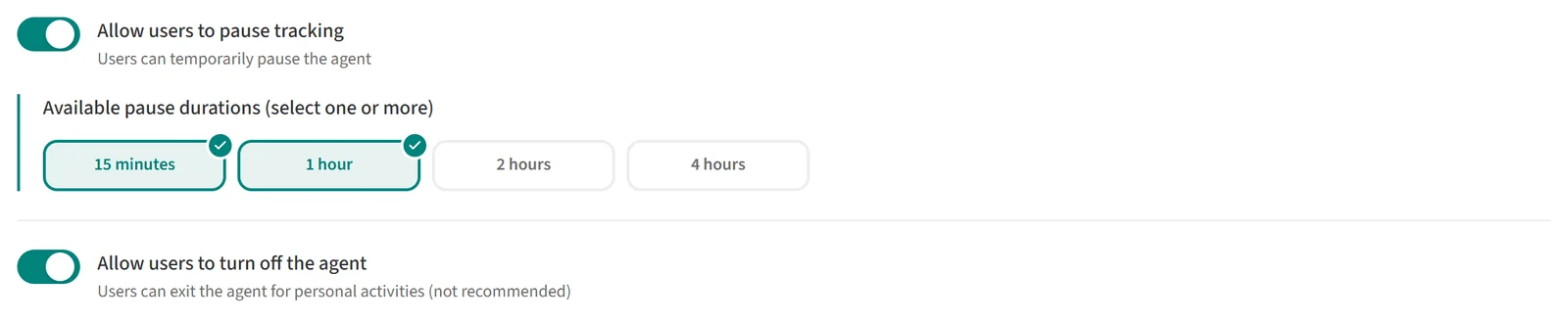
With the switch on, the Available pause durations field appears. Select the durations staff can choose from: 15 minutes, 1 hour, 2 hours and 4 hours. You can select one or more.
Staff pause the agent from the menu of the Berqun icon on their computer.

Allow users to turn off the agent
When this switch is on, staff can exit the agent completely for personal activities. Activity is not tracked while the agent is closed. The app marks this option as not recommended.