
Making a Productive Activity Unproductive
An activity sits in the productive list because rules count it as productive. When you remove those rules, the activity counts as distracting.
- Open Productivity > Manage Activities from the left menu.
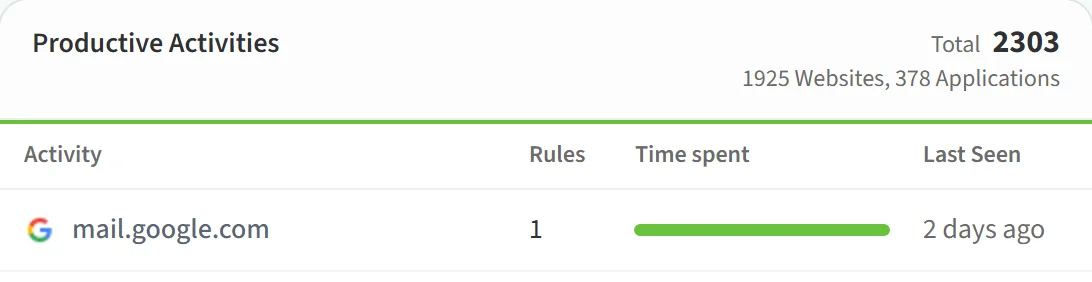
- In the Productive Activities list, click the activity you want to change.
- On the Activity Detail page, open the Actions menu and click Remove All Rules.
- Confirm the warning with Yes.
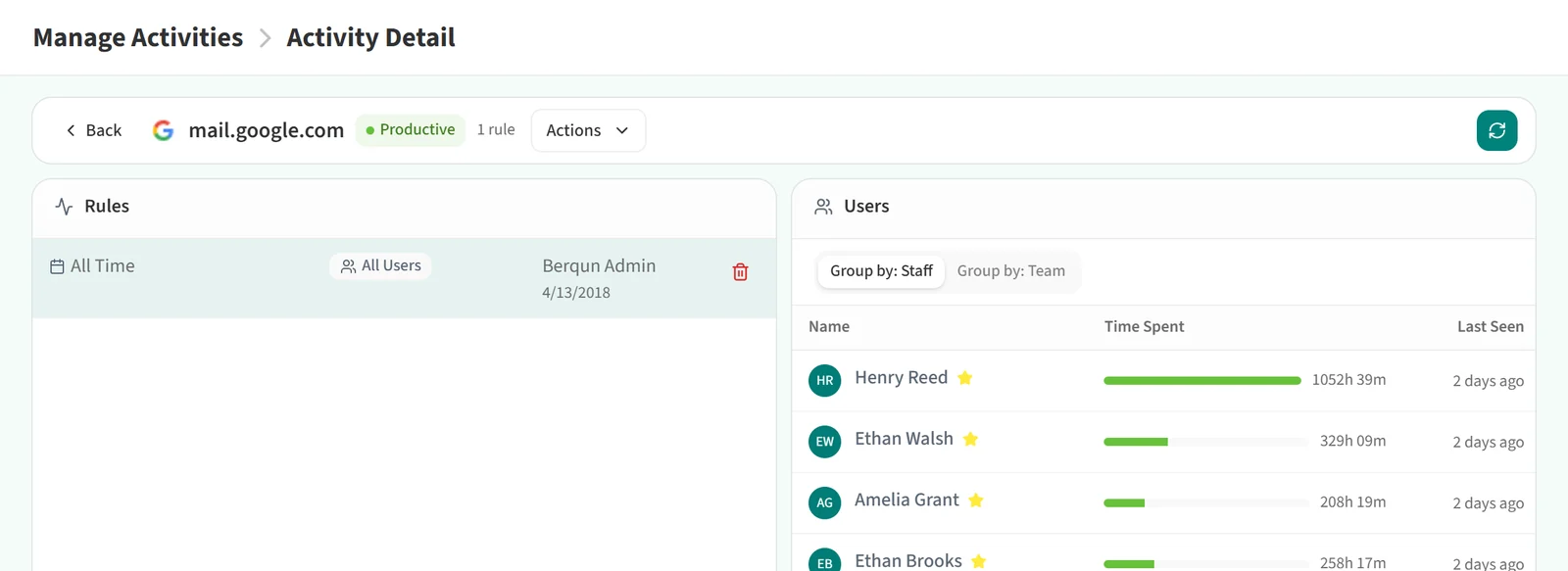
This deletes every rule that makes the activity productive. To remove only one rule, use the trash icon on that rule’s row in the Rules section.
Remove All Rules appears only on productive activities, and only for managers who have permission to delete rules. It is not shown while the activity is locked.
For the opposite change, see Making an Unproductive Activity Productive.